Emily Pearson
September 8, 2026
What the Instagram Edits Carousel Editor is, whether Google indexes carousels, and how local businesses should write captions, alt text, and CTAs in 2026.
The quick read
Instagram is testing a Carousel Editor inside its Edits app, and that test is limited. What already changed discovery: public carousel posts from Business and Creator accounts can appear in Google, Instagram Search reads captions and alt text, and each slide can have its own caption.
Instagram builds trust. It does not own your pipeline. A carousel that names the service, the city, and the next step can help people find you in the app, in Google, and in AI answers. It still cannot replace a website that books the work. That split is the whole system in how customers actually find and choose you online.
This page is the durable version of our talking-head Reel. Facts are current as of September 8, 2026.
The Instagram Edits Carousel Editor is a Labs feature in Instagram’s standalone Edits app. It lets some users create and edit a post made of multiple photos, multiple videos, or a mix of both, without leaving Edits.
Edits launched in April 2025 as a free mobile editor for Reels. For the first year it was video first. In early September 2026, app researchers Jonah Manzano and Radu Oncescu posted screenshots of a Labs toggle labeled Carousel editor. Official copy in the app: “Create and edit posts with multiple photos and videos.” Instagram has published nothing about this feature. It is a test, not an announcement.
Testers who can turn the toggle on get a Carousel option in the create menu, next to Camera and Gallery. From there they can import photos and videos into one project; add a slide to the left or right; duplicate, reorder, or delete a slide; clip the content on a slide; change the background; change the project aspect ratio (3:4 portrait, 1:1 square, 9:16 stories, 16:9 landscape); and add audio, text, and stickers.
It is an editor for building the carousel. It is not a ranking boost by itself.
No. As of September 8, 2026 it is an opt in Labs test, not a public launch.
You need the Edits app, a Labs screen, and the Carousel editor toggle. Many accounts will see none of that. Instagram has not published a rollout date. If the toggle is missing, keep publishing carousels from the main Instagram app.
Labs features get shipped, delayed, or killed. Treat this as an early production shortcut, not a strategy change.
They are two different tools.
Edits Carousel Editor (Labs, September 2026). Build the carousel before you post, inside Edits, with photos and videos in one project.
Reorder after publishing (shipped March 2026). Fix order after the post is live. Open the post, tap the three dots, tap Edit, long press a slide, and drag it. You can reorder or delete slides. You cannot add new slides to a live carousel.
Owners mix these up constantly. One is a test inside Edits. The other already lives on Instagram.
These are live for most accounts and they affect search more than the Labs test:
If you only use one shipped feature, use multiple captions.
Yes, with limits.
Since July 10, 2025, Google can index public posts from Instagram Business and Creator accounts when the account holder is 18 or older. That includes single photos, carousels, Reels, captions, alt text, and some profile data. Posts from January 1, 2020 onward are eligible.
Google does not index personal accounts, private accounts, Stories or Highlights, or accounts for people under 18.
Indexing is on by default for eligible accounts. Turn it off in Instagram under Privacy, then Search engine indexing, if you have a reason to hide.
Google reads the caption like page copy. The first 125 characters or so often become the snippet under the result. Write that opening as if it will sit on a search page without the photos.
A carousel is useful here because one post can carry a title, related questions, a city and service phrase, and unique alt text on every image. It is still a supporting result, not a replacement for a service page. The split we recommend is here: Do I need a website if I have Instagram?
Yes, when they answer a real search, not when they repeat a keyword.
Instagram has said captions tell search engines what the content is about, and it now recommends multiple captions on carousels. Instagram Search matches text in the display name, bio, caption, alt text, and words printed on the image. Hashtags in comments do not count.
How to write them:
Do not paste the same paragraph under 10 slides. That is stuffing, and it reads as stuffing to people and to machines.

This only works on new carousels. Existing posts stay on one caption.
Five to eight is the usual range for teaching posts.
Under four, there is often not enough to save. Past ten, completion drops unless the post is an album, such as a wedding, a clinic tour, or a before and after set. Instagram allows 20. Use 20 when the story needs 20. Do not pad to 20.
One idea per slide. If a slide needs two paragraphs, it is two slides.

Neither wins every job.
Reels usually win cold reach and new followers. Carousels usually win saves, swipe time, and send this to someone. Mixed carousels, photos plus a short clip, often beat photo only sets.
Use Reels to get found by strangers. Use carousels to teach one offer and stay on the grid. A week of only Reels has no place to slow down. A week of only carousels has less cold discovery.


No.
A carousel cannot hold your booking flow, your service details at 2 a.m., or a stable URL for an AI tool to cite next month. You do not own the audience. The algorithm decides who sees the post. A lockout or a throttled account should not take the business with it.
Instagram is the proof layer: face, room, reviews, they posted yesterday. The website is the front door you own. The Google Business Profile sits between them for local search.
Think of four doors. They use the same ingredients.
Put the search phrase on slide 1, in the first caption line, and in alt text. Keep the account public and professional. Leave indexing on. Measure what social actually sends: how to connect Instagram to Google Analytics.
Say the city and the service in human language. Geotag the real studio. Match the name, address, phone, and categories on your Google Business Profile. Inconsistency is how local and AI results skip you. Ask clients for reviews that name the service.
We do this for owners in Tyler and Dallas Fort Worth, and remotely for the same kind of appointment business.
Write the heading as the question. Answer in the first sentence. Per slide captions are built for this: one question, one step, one objection, one ask.
Models retrieve pages, profiles, and reviews that look complete and consistent. They do not rank your Labs toggle. Use the carousel as the trailer. Use a service page as the source. That is the work in how to get recommended by AI search.
Views with no booking path are how you get views but no bookings.
Use the same four pillars we use in social media management: proof, answers, people, invitation.
Slide 1 is a searchable hook on the image, for example “First consult at a Tyler med spa: what happens.” Slide 2 is who it is for. Slides 3 to 5 are process and proof: real room, real steps, a short clip. Slide 6 is the objection. Slide 7 is the invitation: book the consult, same week openings.

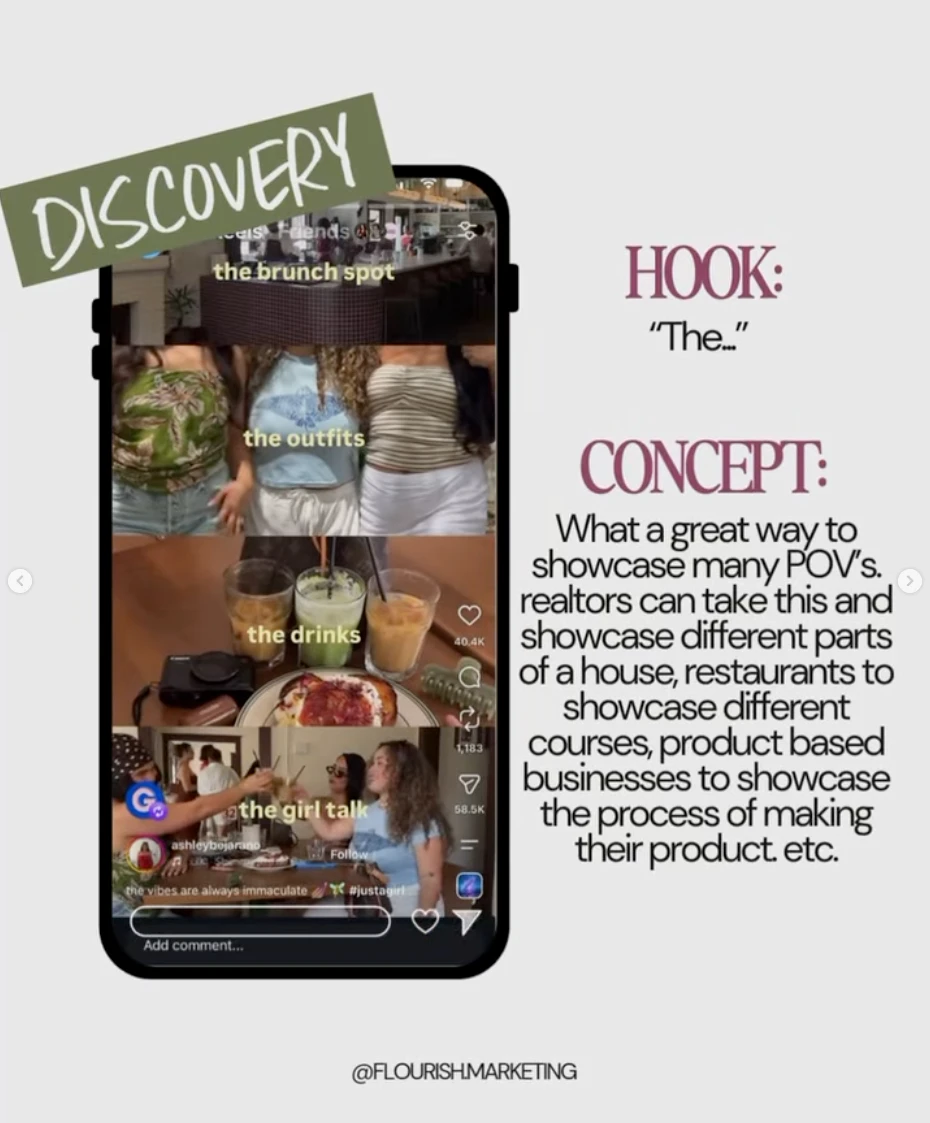
One CTA. Save, send to a friend, or book. Three CTAs is none.
Send the click to one website page, not a stack of 14 links. Faces and rooms beat stock. That is content shoots for the businesses we serve.
Organic carousels and Meta carousel ads are not the same product. Ads cap at 10 cards and can send each card to a different URL. Amplify a carousel that already earns saves, after the brand and site can catch the click. Gut check: is your business ready to run ads?
You do not need Labs to use the strategy.

If you want that calendar run for you, that is The Obvious Choice System. If you want the leaks mapped first, start with the $297 Brand Audit.
Edits is Instagram’s free iOS and Android editor for making Reels and, in testing, carousels. Log in with your Instagram account. There is no separate profile.
Labs copy says you can create and edit posts with multiple photos and videos. Testers have not published a full public spec for export. Assume you will still review the post in Instagram before it goes live.
No. Only public posts from Business or Creator accounts, owner 18 or older, published on or after January 1, 2020.
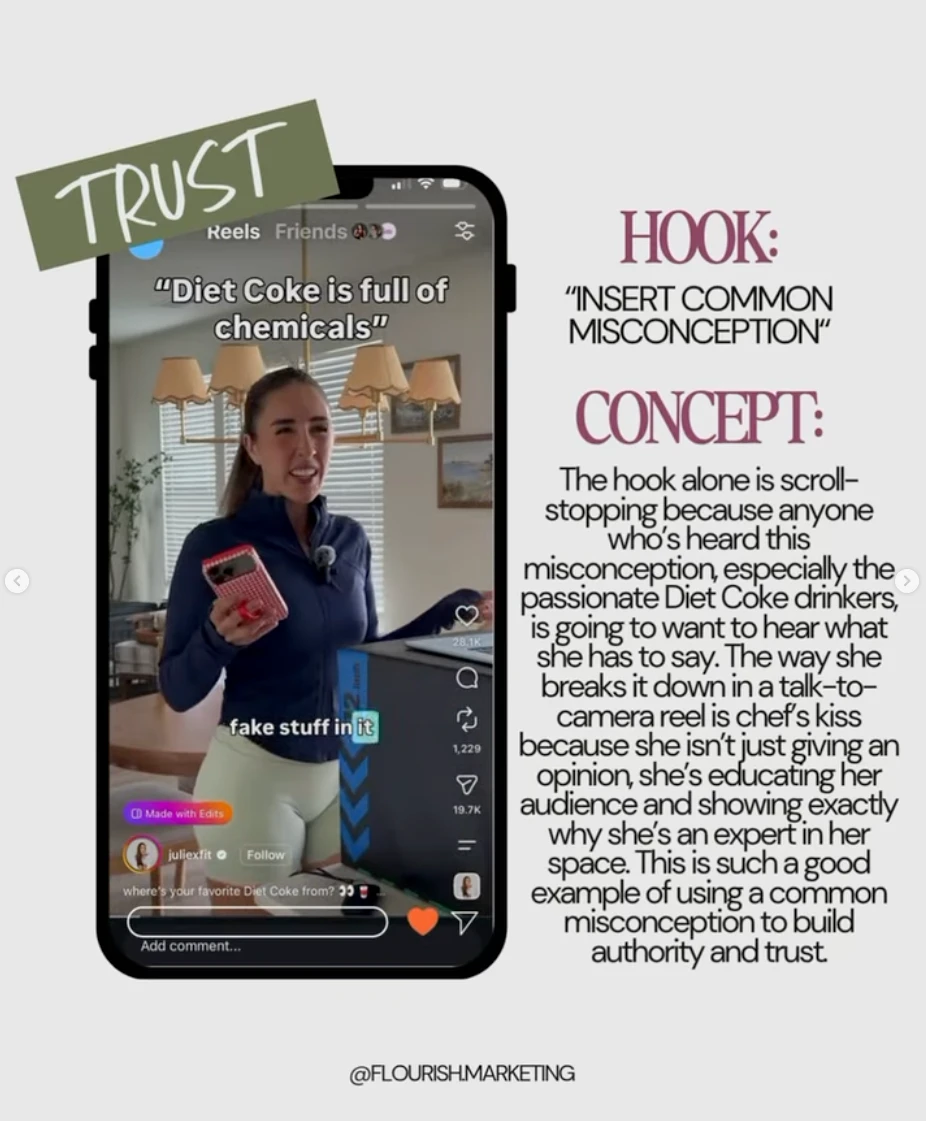
Captions first. Alt text second. On image text third. Three to five hashtags last. Instagram has been explicit: keywords belong in the caption, not the comments.
Give it one offer, one city, and one destination you own. Then answer comments and DMs the same day. Attention without a path is a leak, not a win.
Yes. Social media management covers the calendar, captions, and replies. Content shoots capture the talking head and in clinic footage. The site is where traffic should land. About Flourish: founder led by Brenna Barnhill and Emily Pearson, based in Tyler and Lindale, Texas, working nationwide.
New editors are interesting. Systems book clients.
A carousel with no positioning is a prettier swipe. A Reel with no website is a view that dies in the app. An AI mention with no reviews is a name the model replaces next month.
Flourish exists for owners who are already good at the work and tired of blending in. Social, content, brand, and website as one department, and you can see what that looks like on why Flourish.
If the Reel made the update click, the next step is not another template pack. It is a twenty minute call to see whether the leak is content, search, the site, or all three. Book a discovery call, or take the Social Reality Quiz first if you want the honest read before you talk to anyone.
Written by
Emily Pearson
Co Founder and President, Flourish Marketing Agency
Emily Pearson is the co founder and President of Flourish Marketing Agency. A former assistant principal, she builds the delivery systems behind 8 active client accounts across 6 industries, including every posting calendar and website the agency ships. She writes about the systems side of small business marketing.
From the founders' desks
The $297 Brand Audit shows you where customers lose you, in a week, no call required. Or browse more Journal articles and the full guides.
Get the Brand Audit